Launch price 30% off for the first 20 buyers Applies automatically at checkout. No code. See the toolkits
Digital products · Instant download

Run your one-person business like a company that has it together.

Ready-made client systems, cash-flow trackers, proposal packs and playbooks — the boring operational work, already done. Buy once, use forever.

⚡ Instant delivery 🔒 Secure crypto payment ↺ 30-day refund ∞ Lifetime updates

The toolkits

Each one is a complete, ready-to-use system — not a template with holes in it.

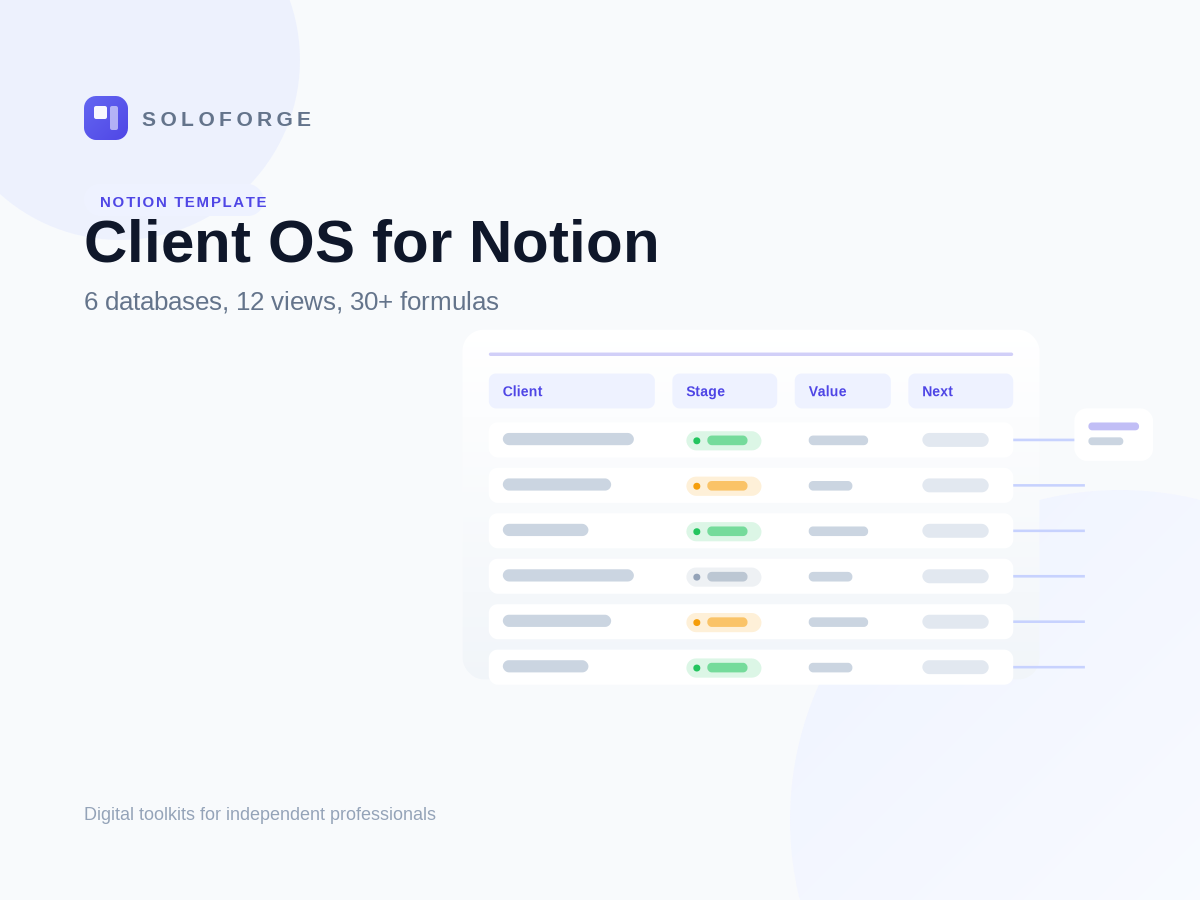
Client OS for Notion
Notion workspace-30% launch price-51%

Client OS for Notion

The complete client, project and invoice workspace for solo consultants and freelancers — set up in 20 minutes.

  • Six linked databases: Clients, Projects, Invoices, Tasks, Time Log and Testimonials
  • Twelve pre-built views including pipeline, overdue invoices and this-week workload
  • 30+ formulas and rollups for fees, status, days overdue and profit
$13$19
View details
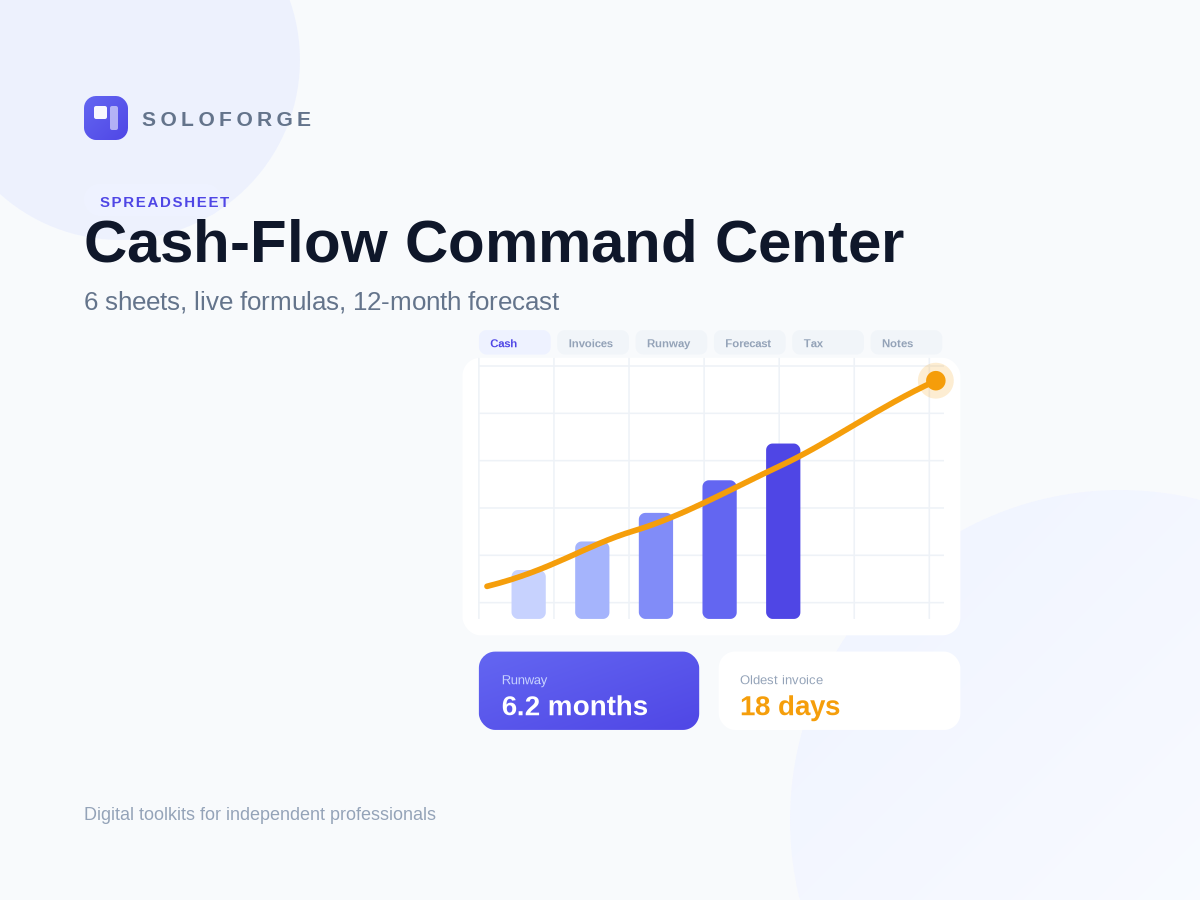
Cash-Flow Command Center
Excel + Google Sheets-30% launch price-52%

Cash-Flow Command Center

Know your runway, chase invoices and stop guessing — a six-sheet cash-flow model that works in Excel and Google Sheets.

  • Dashboard with runway, monthly net, effective hourly rate and unpaid total
  • Income and expense sheets with category tags and recurring flags
  • Invoice tracker with aging buckets and automatic overdue flags
$10$14
View details
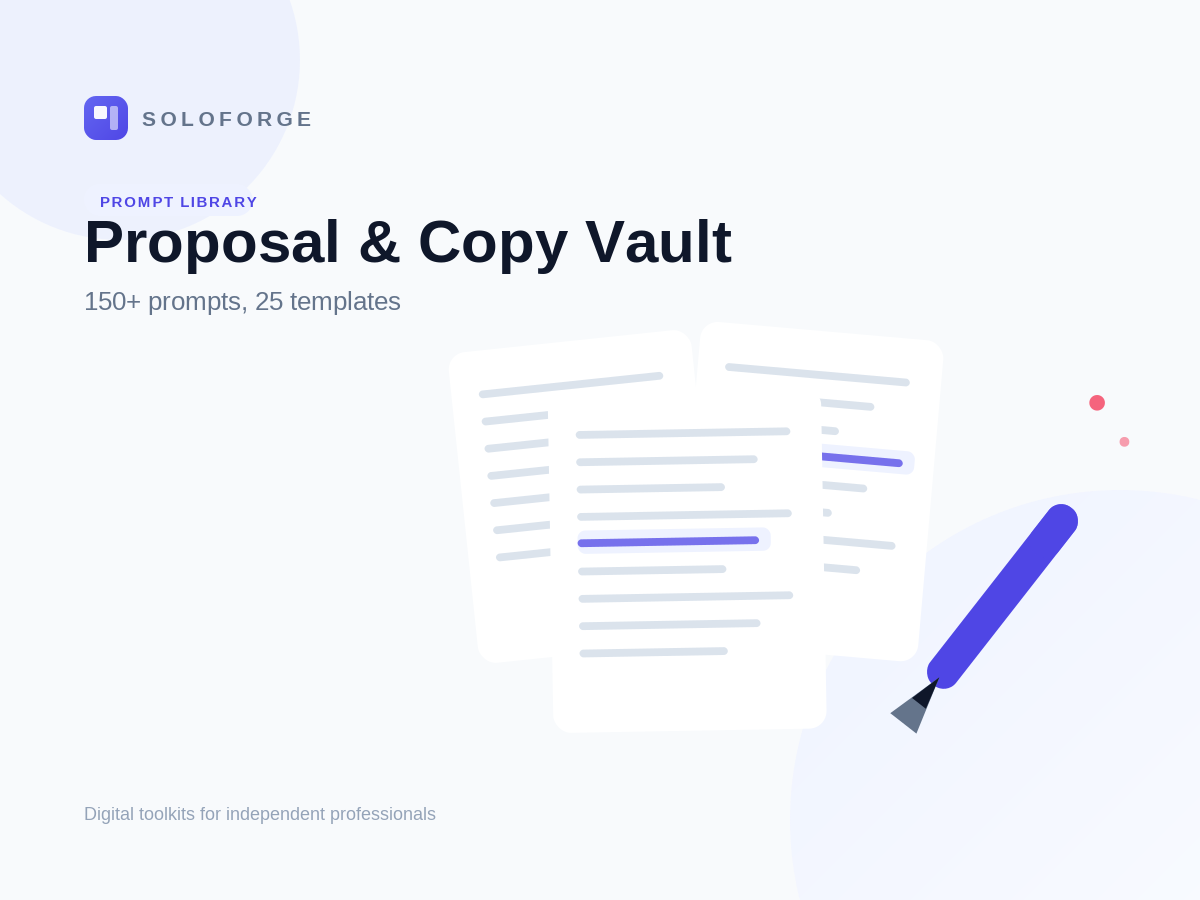
Proposal & Copy Vault
Markdown + PDF-30% launch price-53%

Proposal & Copy Vault

150+ tested prompts and 25 ready-to-send templates for proposals, invoices, follow-ups and cold outreach.

  • 150+ prompts across 12 business situations, all with fill-in-the-blank variables
  • 25 ready-to-send templates: proposals, scope letters, invoices, follow-ups, referrals
  • Pricing and rate-increase prompt sets with worked examples
The Solo Business Playbook
PDF e-book-30% launch price-50%

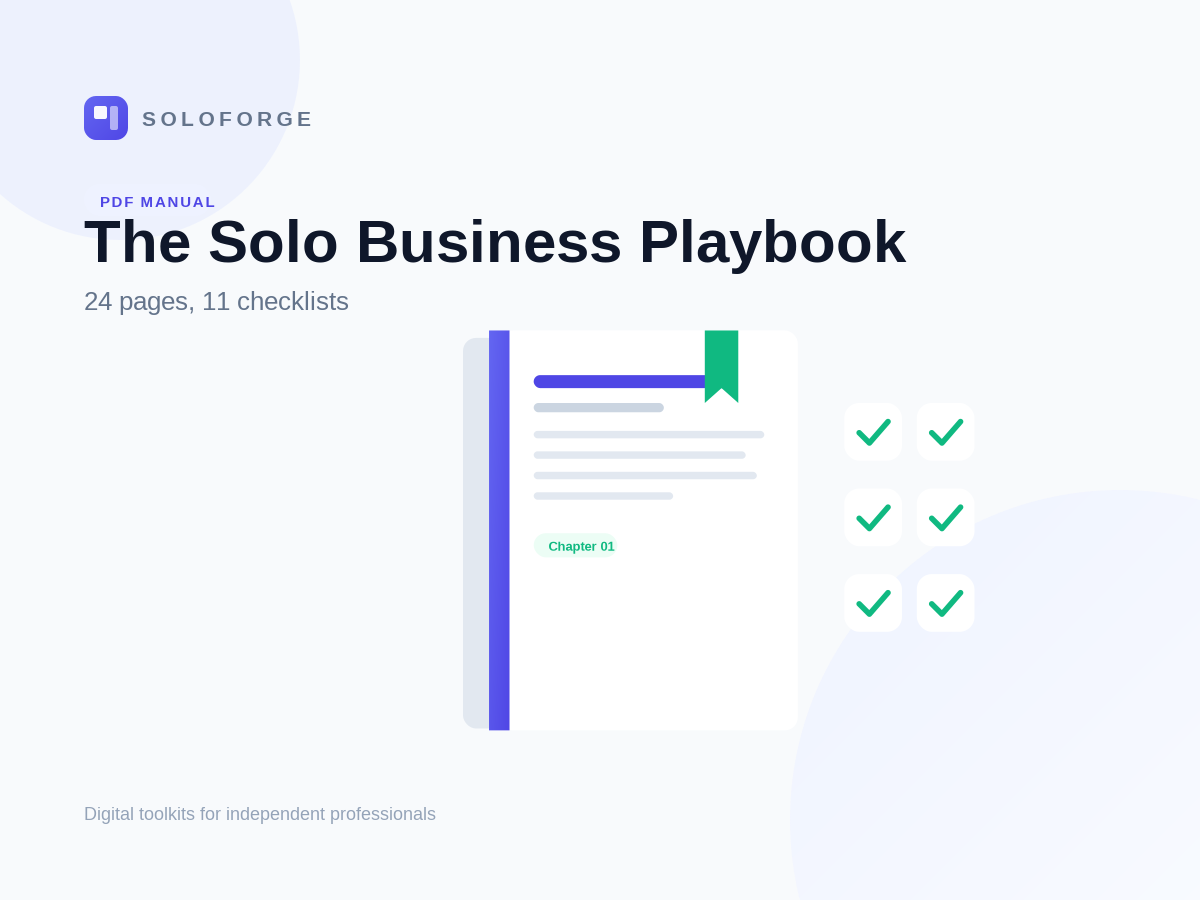
The Solo Business Playbook

A 24-page field manual for running a one-person business: pricing, pipeline, retention and the weekly review that keeps it all alive.

  • 24 pages across 11 decision chapters, each ending in a one-page checklist
  • Pricing chapter with a worked rate-calculation walkthrough
  • Pipeline chapter: the three-bucket system for a predictable flow of work
$8$12
View details
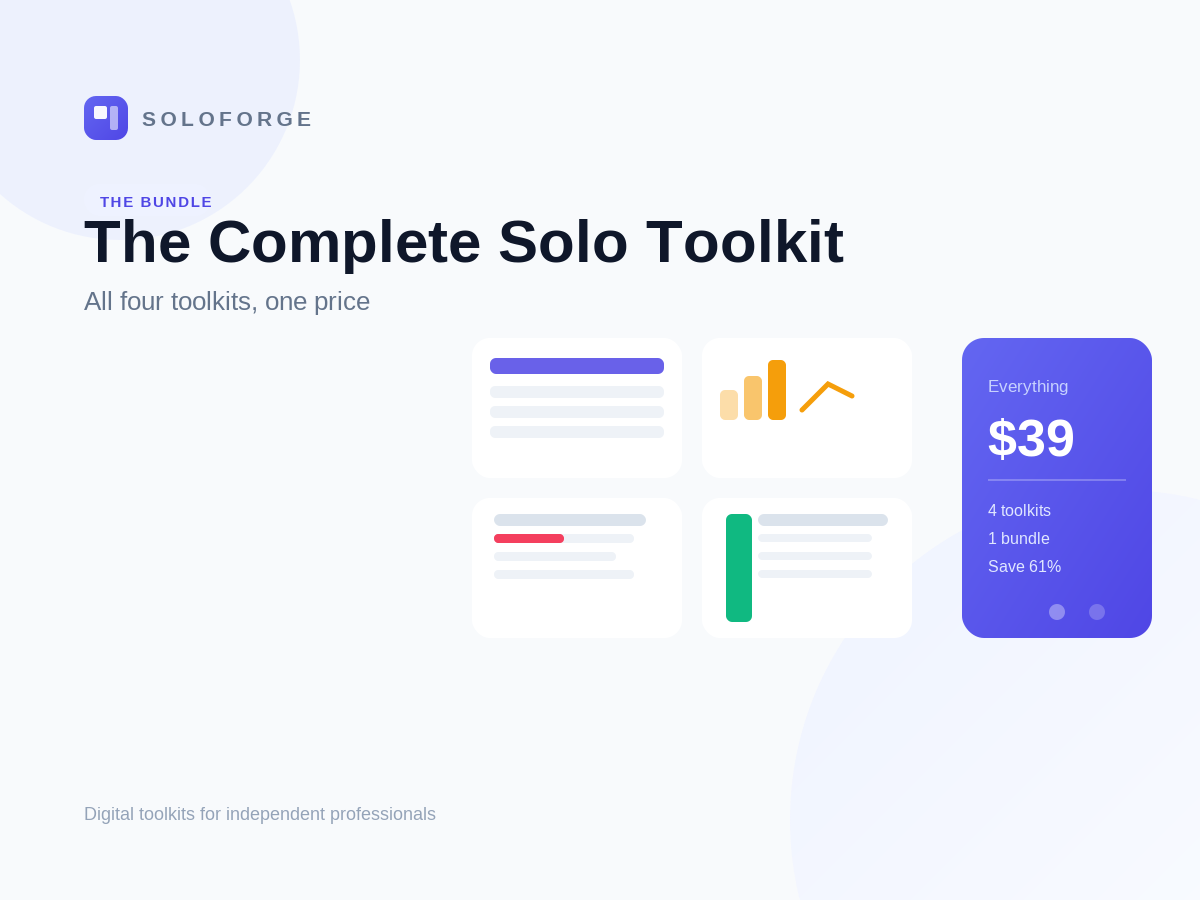
The Complete Solo Toolkit
Complete bundle-30% launch price-61%

The Complete Solo Toolkit

All four systems together — the Notion client workspace, the cash-flow model, the copy vault and the playbook. One download, one price.

  • Client OS for Notion — full workspace, all formulas and views
  • Cash-Flow Command Center — six-sheet model for Excel and Google Sheets
  • Proposal & Copy Vault — 150+ prompts and 25 send-ready templates
$27$39
View details

How it works

Three steps, about two minutes, no account required.

1

Pick a toolkit

Buy a single product or grab the bundle and save the most.

2

Pay with crypto

USDT, USDC, TON, BTC, ETH and more. The order confirms on-chain.

3

Download instantly

Your receipt page unlocks a private download link the moment payment lands.

Free: the Monday Review

One page. Six questions. The twenty-minute weekly review that keeps a one-person business from drifting. Used by more than a thousand solo operators.

  • The six questions to answer every Monday
  • The three numbers that decide whether you can afford to grow
  • A red-flag checklist — six signs your business needs attention first
  • A one-page week-ahead planner

Questions

Do I need a paid Notion plan?

No. Everything here works on the free Notion plan. The only paid features mentioned in the guide are optional extras (like timeline views) and every alternative is noted.

How long does the setup take?

About 20 minutes for the core workspace, or about 40 minutes if you also set up the dashboard formulas and the linked views. The guide is ordered so you can stop after any step and still have something usable.

Is this just a page with empty tables?

No. Every database ships with example rows, the correct column types, pre-written formulas and the views that make each database useful. The difference between this and a free template is that it is already in the shape of a running business.

Will it work if my client data is messy?

Yes — there is a 20-minute clean-up routine in the guide, and the AI prompt pack converts pasted notes, email threads and call transcripts into structured rows for you.

What happens when you update the product?

You get the new files by email and in your download link. There is no subscription and no extra fee. Existing downloads keep working.

Can I use it for a team?

Yes, inside one Notion workspace. For separate workspaces with different permission levels, contact support and we will help you plan the split.

Ready to stop doing it by hand?

Start with one toolkit. Add the bundle later and apply the bundle discount automatically.

Browse the toolkits