 Excel spreadsheet · Excel + Google Sheets
Cash-Flow Command Center
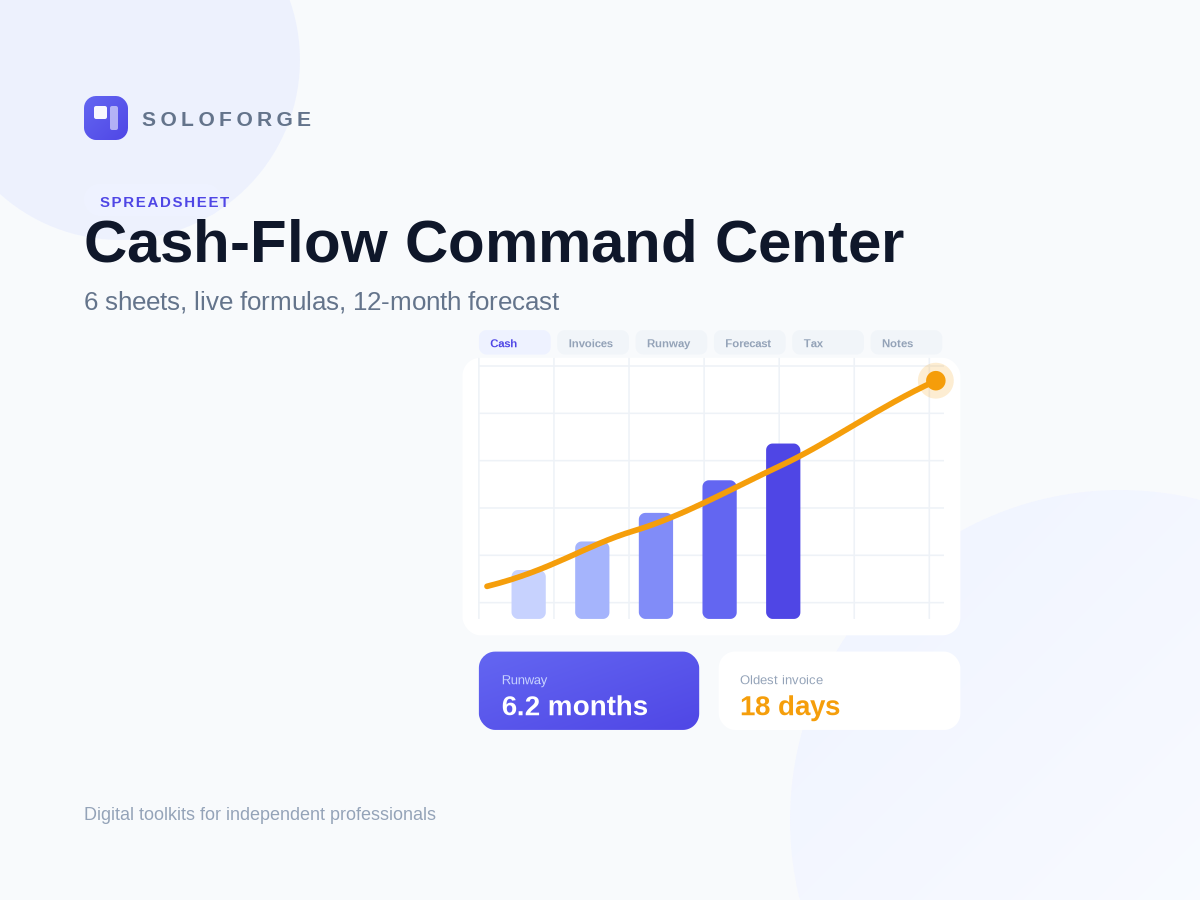
Know your runway, chase invoices and stop guessing — a six-sheet cash-flow model that works in Excel and Google Sheets.
🛡 30-day no-questions-asked refund. If it does not save you time, you do not keep it.
What you actually get
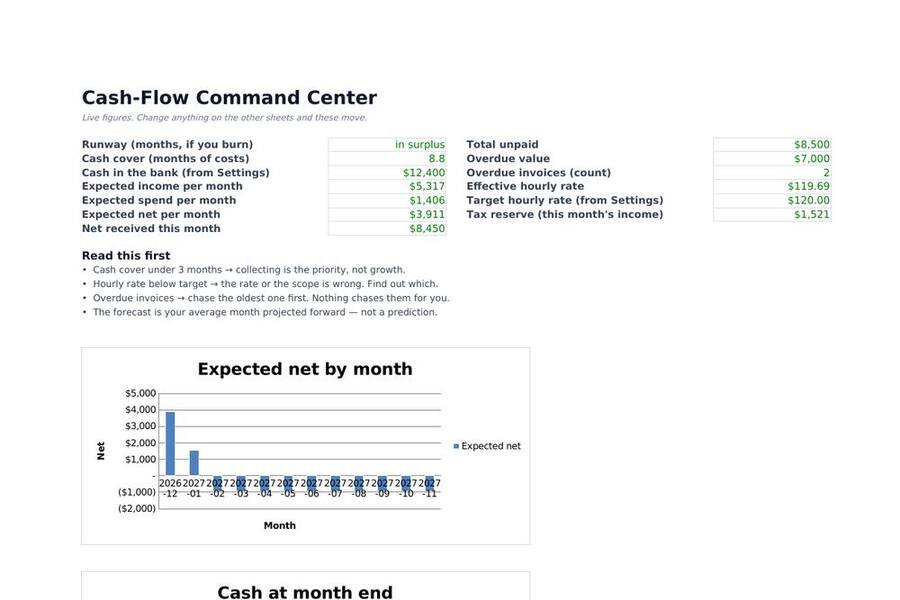
A real screenshot from inside the download — not a mock-up.
Why this works
Most freelancers know what they earned last month and have no idea what they will have in eight. The gap between those two numbers is what causes the panic.
Cash-Flow Command Center is a six-sheet model built around that gap. Enter income and expenses once; the dashboard tells you your real hourly rate, your runway in months, how much of last quarter is still unpaid, and which three invoices to chase today. The forecast sheet rolls forward twelve months using your average month, so you can see a bad quarter coming while it is still fixable.
Every formula is a normal Excel formula — no macros, no add-ins, nothing that breaks the first time Google Sheets converts it.
What's inside
- Cash-Flow-Command-Center.xlsx — six formatted sheets, ready to use
- Google Sheets import pack — one CSV per sheet, formulas included
- Setup guide: how to start, what to change, what to ignore
- Formula reference with each formula explained
- Blank example month so you can see the intended workflow
- Lifetime updates: every future version included
Who it's for
- Freelancers who invoice irregularly and panic about slow months
- Solo consultants who want an honest view of their effective hourly rate
- People chasing unpaid invoices without a system
- Anyone who has ever asked "can I afford to take that job?"
Inside the download
Every file, in the order you will meet it.
- Cash-Flow-Command-Center.xlsx — 6 sheets, live formulas, no macros
- Sheet 1: Runway — the three numbers that decide what you can afford
- Sheet 2: Invoices — aging, days overdue, outstanding per client
- Sheet 3: Effective rate — money earned per hour actually worked
- Sheet 4: Forecast — twelve months of expected income and outgoings
- Sheet 5: Scenarios — what changes if a client pays late
- Sheet 6: Notes — how to use it, and what to change each quarter
- README.md — setup guide, cell-by-cell
Frequently asked
Will it work in Google Sheets?
Yes. We ship a CSV-per-sheet import pack with the formulas already in place. Open each CSV in Google Sheets, and everything behaves like the Excel version.
Do I need macros or add-ins?
No. Every calculation uses standard functions available in both Excel and Google Sheets. Nothing breaks on conversion and nothing needs enabling.
How far back should I enter data?
Three months is the sweet spot — enough for the averages to be meaningful, short enough to finish in one sitting. The guide includes a 30-minute routine for backfilling from your bank export.
What currency does it use?
The template is currency-neutral — you set your currency once in the Settings sheet and it formats everywhere. USD, EUR and GBP are pre-formatted.
Is my data safe?
It is a spreadsheet on your own computer or your own Google account. There is no account to create here and nothing is uploaded anywhere.
Does it track taxes?
No — this is a cash-flow model, not a tax tool. It shows what came in and went out. Use a dedicated tax tool for set-aside calculations; the guide shows where to park a tax reserve line so the money is at least visible.
Get Cash-Flow Command Center
Instant download, lifetime updates, 30-day refund.